
Dog Training Landing Pages: Match the Right Owner to the Right Program
- Landing Page Guides
- 6 min read
A dog training landing page should help an owner decide whether your program fits their dog, their goals and their schedule. A page filled with cheerful dog photographs may look welcoming, but it still needs to explain the difference between puppy classes, private sessions and an initial consultation.
The most useful design begins with program fit. This guide shows how to organize that decision, collect a sensible first enquiry and adapt the PawMatic or PetWise WPRise templates without making promises the trainer cannot support.
Choose one training audience for the campaign
Start with the service you want to promote. An owner seeking a puppy class needs different information from someone asking about individual training. If both arrive on the same page, provide an obvious way to find the relevant option rather than presenting an unexplained grid of packages.
| Audience | Questions to answer | Appropriate next step |
|---|---|---|
| Puppy class enquiries | Eligibility, class format, dates and location | Ask about the next class |
| Private training enquiries | Session format, service area and assessment process | Request a consultation |
| Existing clients | How to arrange follow-up sessions | Use the existing-client booking route |
The table is a content plan, not training advice. Have the trainer define eligibility and suitability. The website should not make an automated promise that a particular program is appropriate for every dog.
Make the offer understandable above the fold
Use the program type and location in the main heading. For example, “Small-group puppy classes in your service area” explains more than “Unlock your dog’s potential.” Replace the location with the actual venue or coverage area and support the headline with a short explanation of the format.
The call to action should match the real process. Use “Ask about puppy classes” if a team member needs to review suitability. Use a booking label only when the visitor can actually choose an available appointment and receive confirmation. A contact form is not the same thing as a reservation system.
Explain programs using comparable information
Give each program the same essential details: who it is intended for, where it happens, how sessions are arranged, what the owner participates in and how the next step works. This makes comparison possible without relying on vague labels such as bronze, silver and gold.
If prices are published, make the unit clear. Does the amount cover one session, a course or a consultation? Explain relevant conditions where the price appears. If you quote after a conversation, state what you need to understand before providing a proposal.
A concise “What happens after you enquire” section can describe a conversation about goals, a suitability review and a proposed next step. Avoid promising a fixed behavioral result in a fixed number of sessions. The article and page are about presenting a service clearly, not diagnosing or prescribing training.
Use evidence that belongs to the trainer
Show a real trainer profile with accurate qualifications and experience. Explain the business’s training approach in language the trainer approves. Include genuine photographs from sessions only with the relevant permissions, and avoid using stock imagery in a way that implies it shows your own classes.
Testimonials can help an owner understand communication, organization and the experience of attending. Preserve the customer’s meaning and avoid turning an individual experience into a guaranteed outcome. If a review discusses a particular program, put it near that program rather than using it as proof for every service.
Design a first form that starts a conversation
Ask for the owner’s name, a contact method, location, dog age, program interest and a brief goal. Include an “I’m not sure which program” option. It is useful for the business and more welcoming than making an uncertain visitor guess.
Keep sensitive or detailed case information out of a long public form. Explain what will happen next and collect additional information through the trainer’s normal intake process. If the business needs to identify requests outside its scope, use a clear suitability statement rather than an alarming checklist of problems.
Confirm the enquiry in plain language. “Your request has been received; the team will contact you to discuss the program” is more accurate than “Your training is booked” when no appointment exists. Add the business’s actual response expectations rather than a generic promise copied from the template.
Feature the right WPRise template
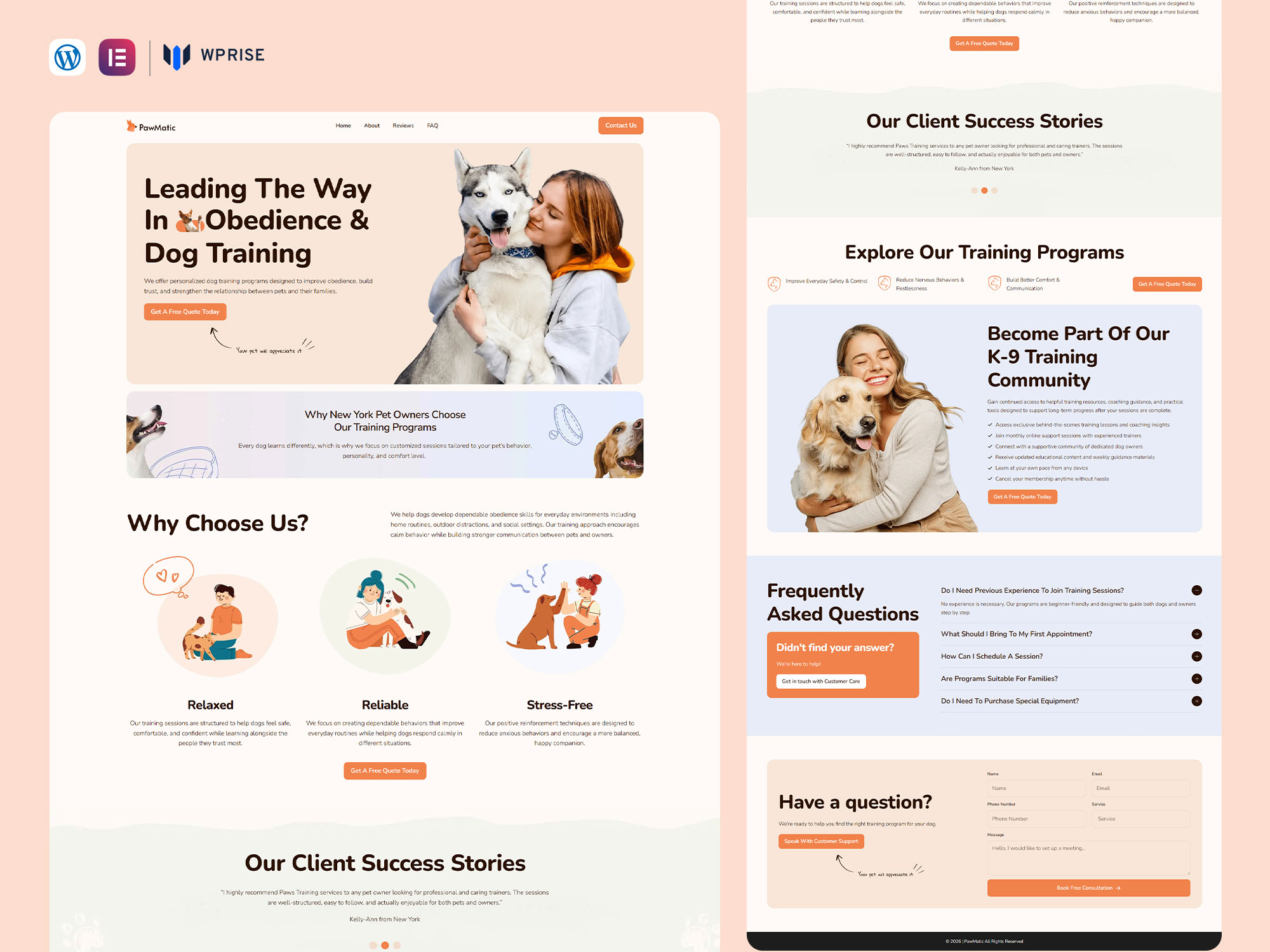
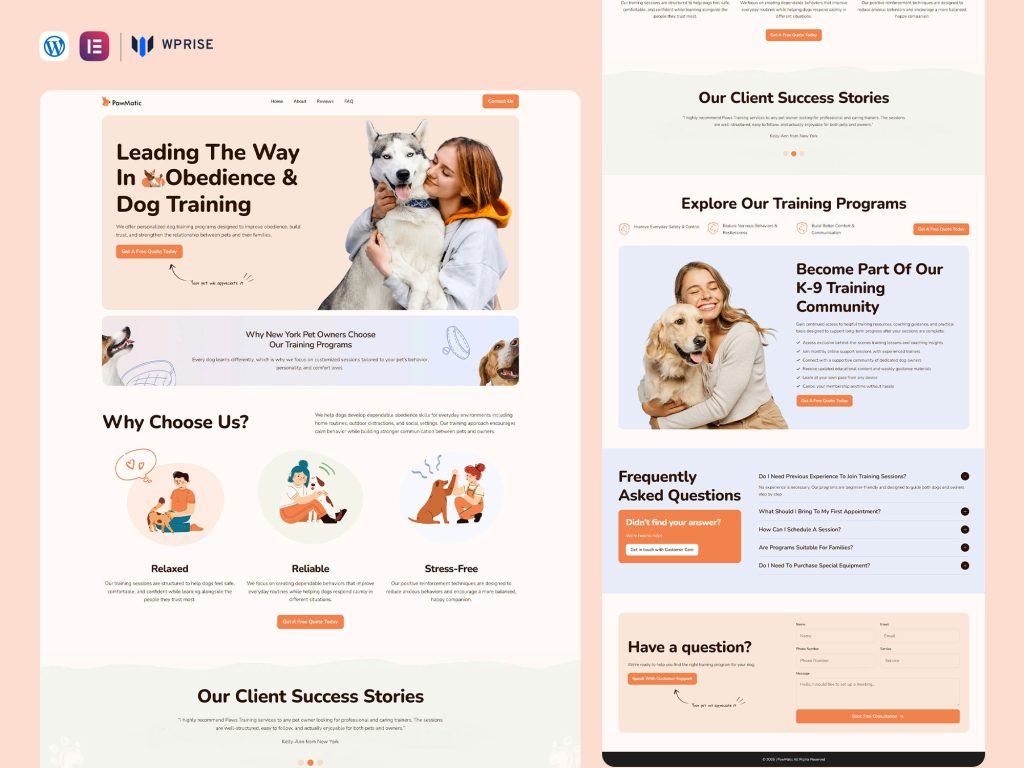
PawMatic is an Elementor landing page for dog trainers, puppy schools and pet care businesses. Its listing includes program showcases, pricing tables, FAQ sections, contact forms and appointment-booking areas. Those content areas are useful for explaining a program before asking for an enquiry.
PetWise lists training programs, service highlights, testimonials and contact forms. Review it as an alternative presentation for a training business. Choose based on the structure and visual direction that fit your real content; these recommendations are not based on comparative conversion testing.
Check the live previews and current requirements. Connect any booking service separately as needed, replace demo testimonials and remove unused programs. Use the WPRise setup instructions for the import process.
Give local search visitors useful answers
On the trainer’s service page, use the real program and location in the title, heading and introductory copy. Include venue information, travel coverage, class format and an accurate schedule. These details answer the visitor’s question more effectively than repeating “dog training near me.”
If you offer both in-person and online sessions, make the distinction visible. Do not use a local address to imply that an online-only program meets there. Keep business contact details consistent and link from your main service navigation so the page can be found without an advertisement.
Review lead quality after launch
Track which program each enquiry concerns, whether it is within your area and whether it progresses to a consultation or enrollment. If many people cannot identify the right program, improve the comparison section before adding more fields. If many ask about dates, move the schedule closer to the first action.
Should I show every training program on one page?
A business overview can do that. A focused campaign usually works more clearly when one program is primary and other options are secondary links.
Does a booking section include live availability?
Do not assume so from its appearance. Verify the template requirements and connect your chosen scheduling process before labelling the action as an instant booking.
Start by writing the program details that owners need, then use PawMatic or PetWise to make the path to an appropriate conversation easy to follow.